Login/Register
If you are new to BSI Online, create your unique profile
- Email address, first and last name, and password
- Customer Confirmation Number (CCN) to link a property to your account
- 8-digit code found on your notification letter
- If you need help locating your CCN contact JCSD
Receive Notifications
- Get updated from JCSD by locating JCSD’s CCN and clicking on details. In the top right corner, click Subscribe.
How to Find Device Information, Test Reports, and/or Letters?
- Log in to your BSI account and go to My Properties
- Navigate to the desired property/CCN and click Details
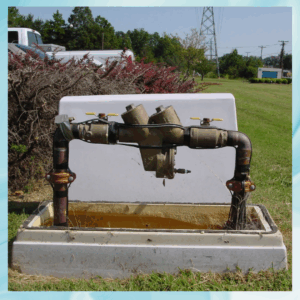
- Within the Devices tab, you can view your backflow information
- Within the Test Reports tab, you can view and/or download test reports that were submitted to BSI within the last 3 years
- Within the Letters tab, you can view and/or download notifications that were sent for your property.
How to Find a Testing Company
- Click Find a Testing Company
- Enter your CCN
- BSI will generate a list of backflow testing companies that meet the state and JCSD’s requirements

JCSD Celebrates Successful Inaugural High School Summer Internship Program
For Immediate Release Contact: Arman Tarzi, Director of Government & Public Affairs [...]